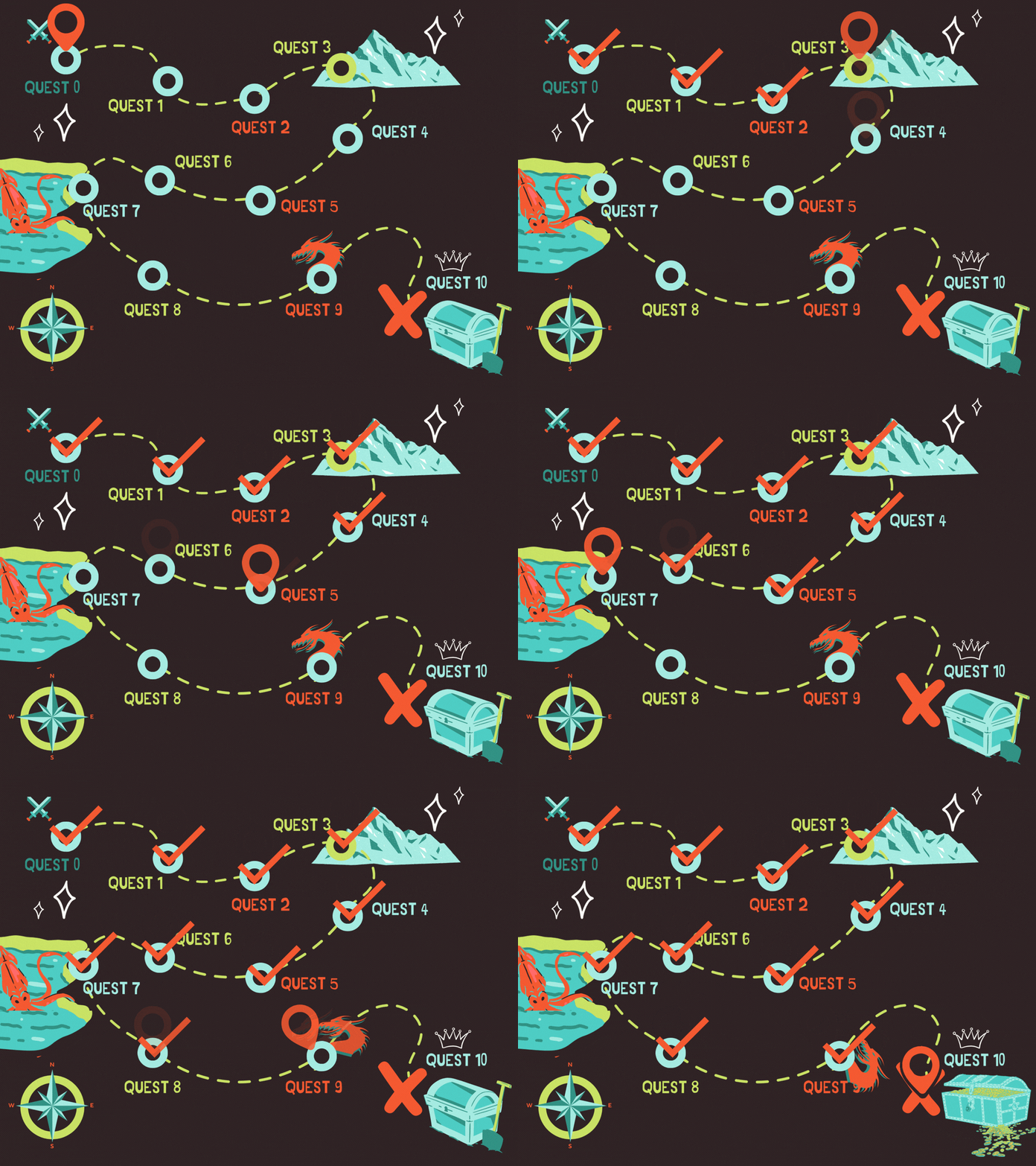
An example of an evolving progress map as a GIF.
Yours can be different, only your imagination is the limit!
Imagine your students watching their progress come to life.
Instead of another training quietly ticking over to "Complete", they see their learning journey unfold—and with every step, the transformation they signed up for feels a little closer.
An Evolving Progress Map turns invisible progress into something your students can actually see.
As they complete trainings, the graphic evolves alongside them, creating a stronger sense of progress and and encouraging them to keep moving forward.
You invested in Xperiencify because you knew it could create more engaging learning experiences than a typical online course platform.
But once you started building your course...
...the course builder interface didn't always feel intuitive.
You know the platform can probably do much more than you're currently using it for.
You just don't know how.
So you stick with the basics.
I saw this all the time in the Xperiencify Facebook group.
Course creators ask questions like:
"Can Xperiencify do this?"
"How would I build something like that?"
One question comes up again and again:
An evolving progress map.
That's why I created this mini-course.
An Evolving Progress Map is any graphic that changes as your students complete trainings and/or modules.
It doesn't have to be a map.
It can be almost anything that evolves throughout the course.
The goal is simple: make progress visible—and a lot more fun.
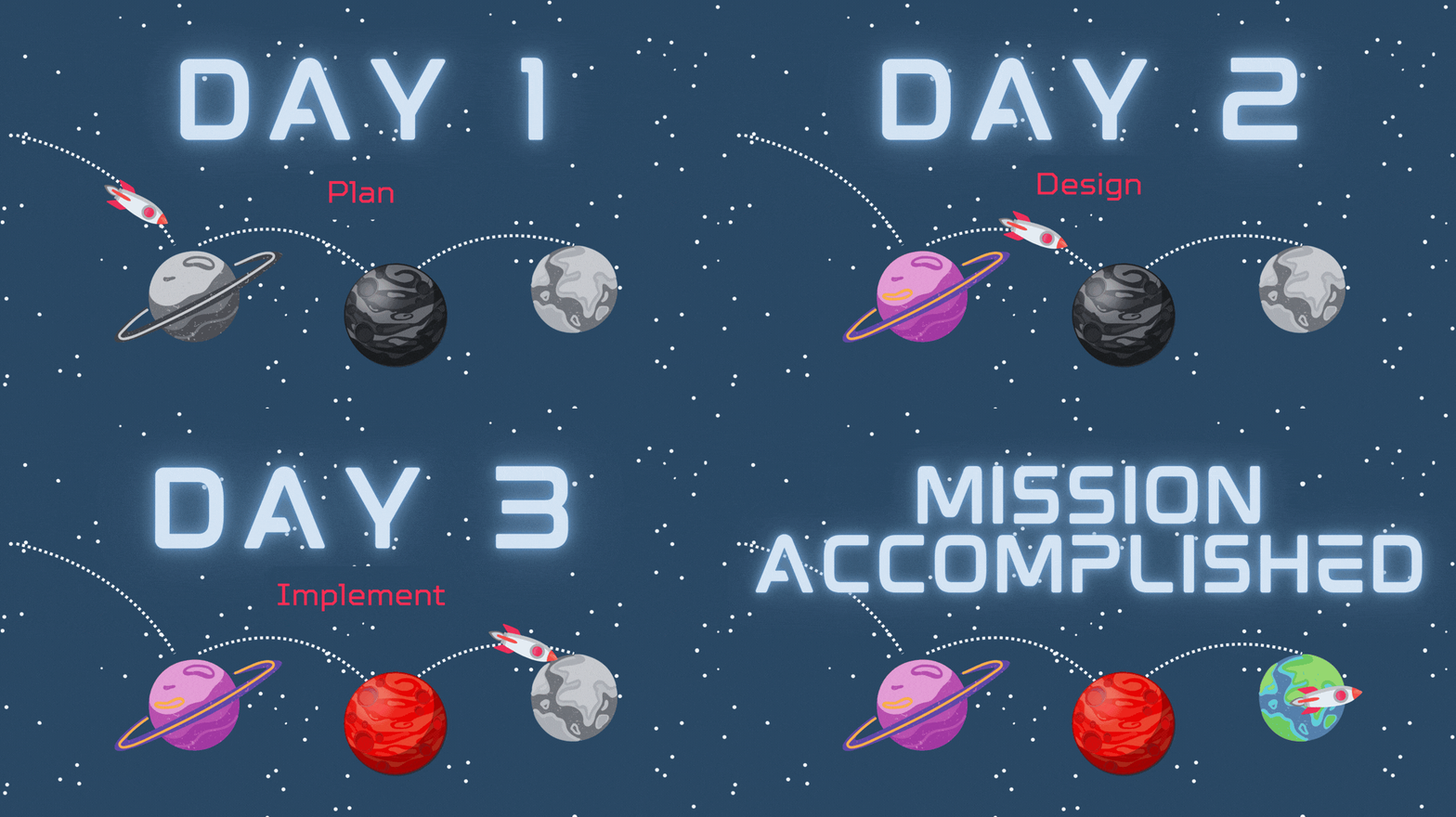
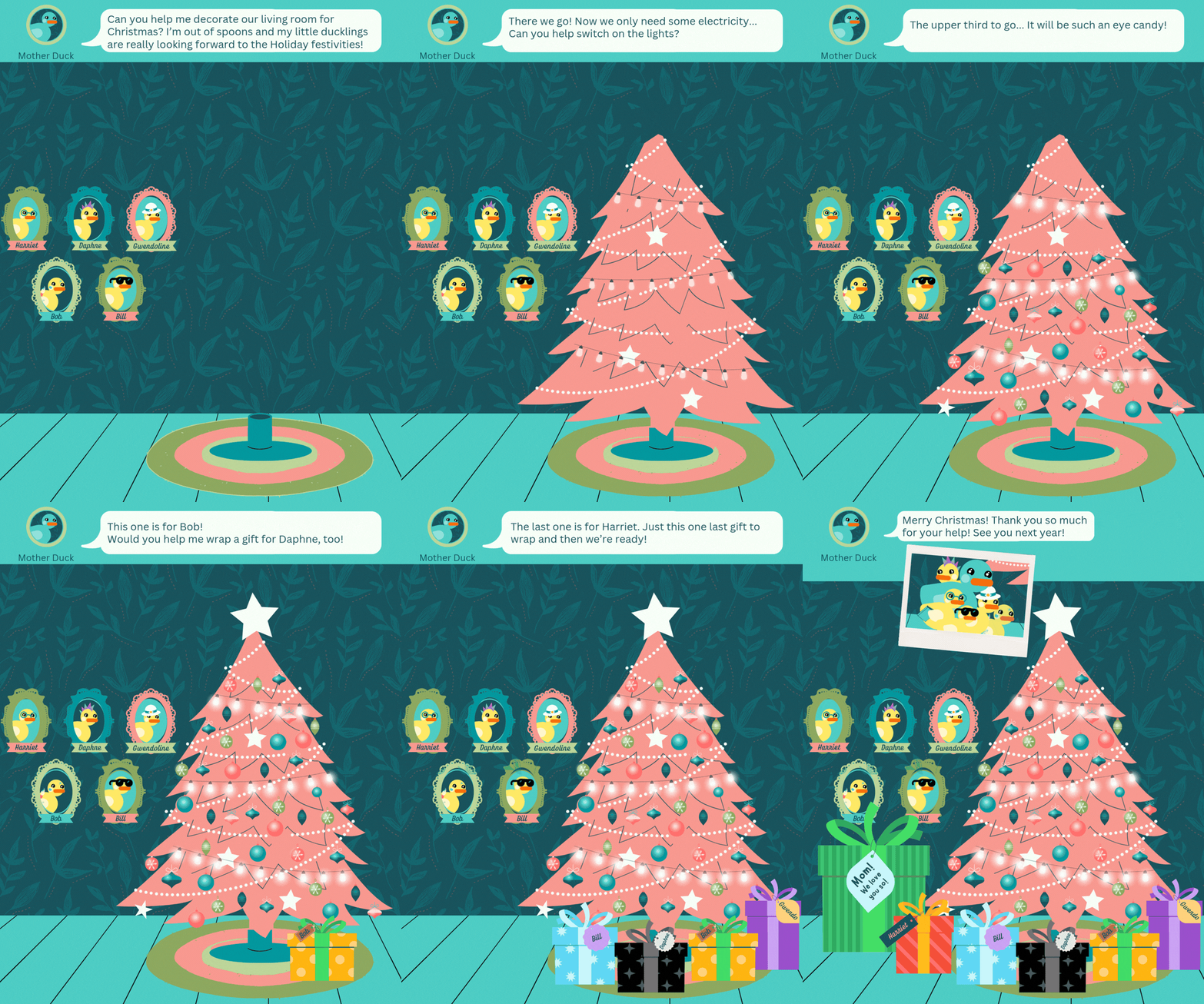
Here's a few examples, but you can use your imagination and create something completely different:
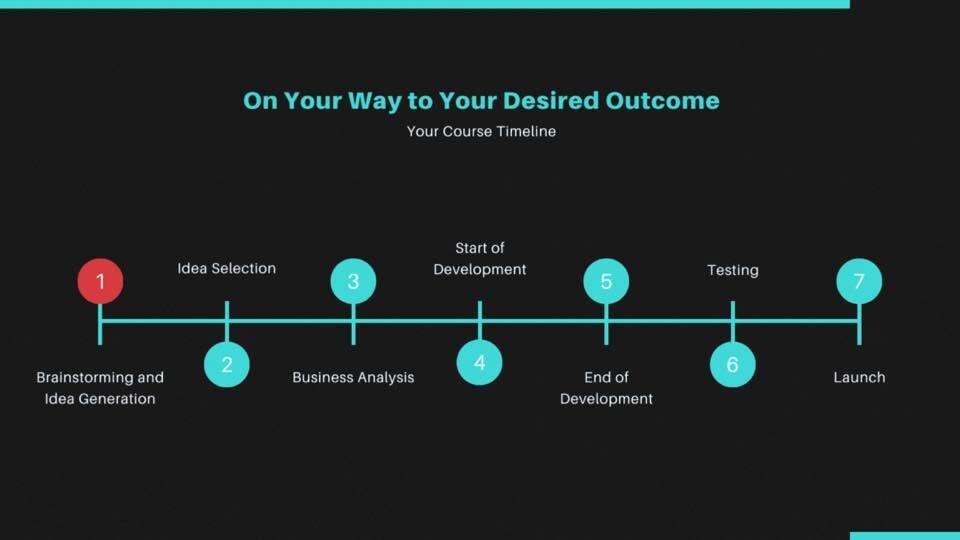

Inside the mini-course
Mission Objectives:
Together we'll build your own Evolving Progress Map step by step.
Along the way you'll also get a much better feel for how Xperiencify's tags, automations and gamification features work together.
Mission Requirements:
🚀 Xperiencify course creator account and a course in which to build the Evolving Progress Map
🚀 Canva or any other graphic design / drawing tool to create your map graphics (free Canva account is fine, that's what I use, too!)
🚀 A couple of hours to implement (depending on the graphics you'll need for each step)🧑🚀 Your inner Space Cadet (A PhD in Space Technology? Optional. Curiosity? Essential.)
Mission Toolkit:
Step-by-step video trainings to implement your map
Clear instructions you can follow, even if you don't consider yourself technical
A planning worksheet to map out your progress journey before you build
Personal support inside the course if you get stuck
Is this course for you?
It is if...
• You already use Xperiencify.
• You'd love to make your course feel more like an adventure.
• You know you're only using a fraction of what the platform can do.
• You don't consider yourself "techy"
• You'd like someone to show you step by step how to build it
• You'd like to boldly go where few course creators have gone before

Hi, I'm Ilona. I'm an engineer with a doctorate in Space Technology, which probably explains why I enjoy figuring out how things work.
When I started using Xperiencify for my side-hustle passion projects, I quickly realised that combining a few simple features could create surprisingly advanced experiences.
Now, as a side-side-hustle, I break those ideas down into small, practical projects that anyone can build.
If you're excited by the idea of bringing your course to life with an Evolving Progress Map, I'd love to show you how to build one.
If not, I hope this page has at least sparked a few ideas for making learning a little more engaging.
If you're already imagining what yours could look like...
...I'd love to show you how to build it.